
Start with their drawing
Photograph a drawing, upload a scan, or try one of our sample sketches.
Kids Drawing to Life turns your child’s drawing into a lifelike, cartoon or plush-style image with AI. Upload a sketch, choose a look, and keep the original alongside every new version.
Private by default. Purchased credits never expire.
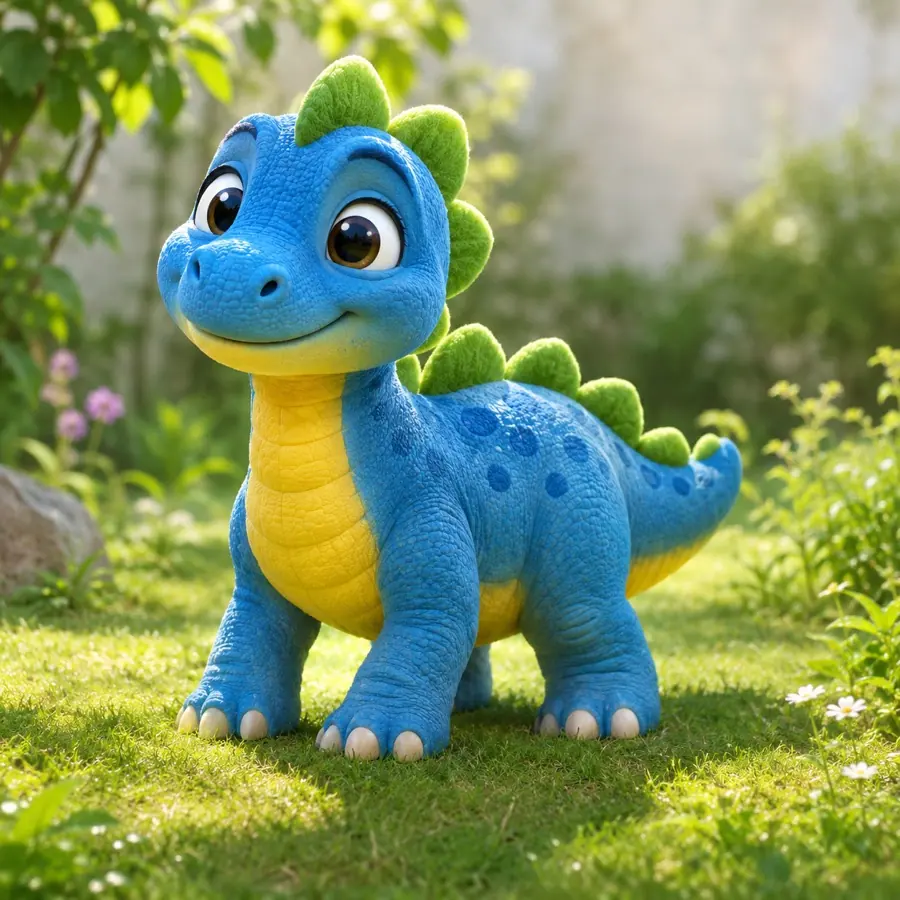
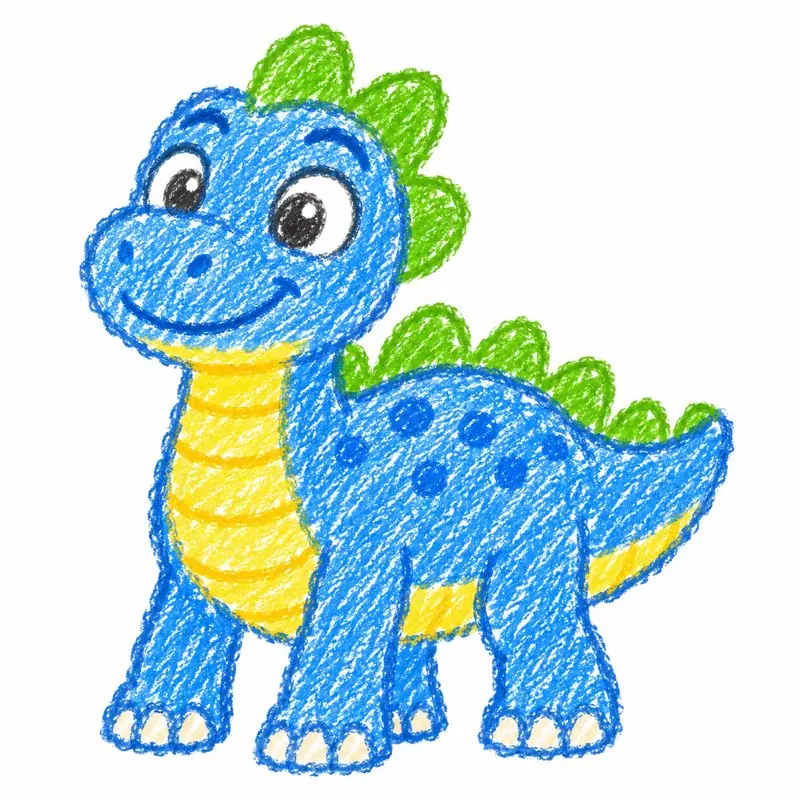
Photograph a drawing, upload a scan, or try one of our sample sketches.

Pick a style and tell us about the character. The unusual details are part of the fun.
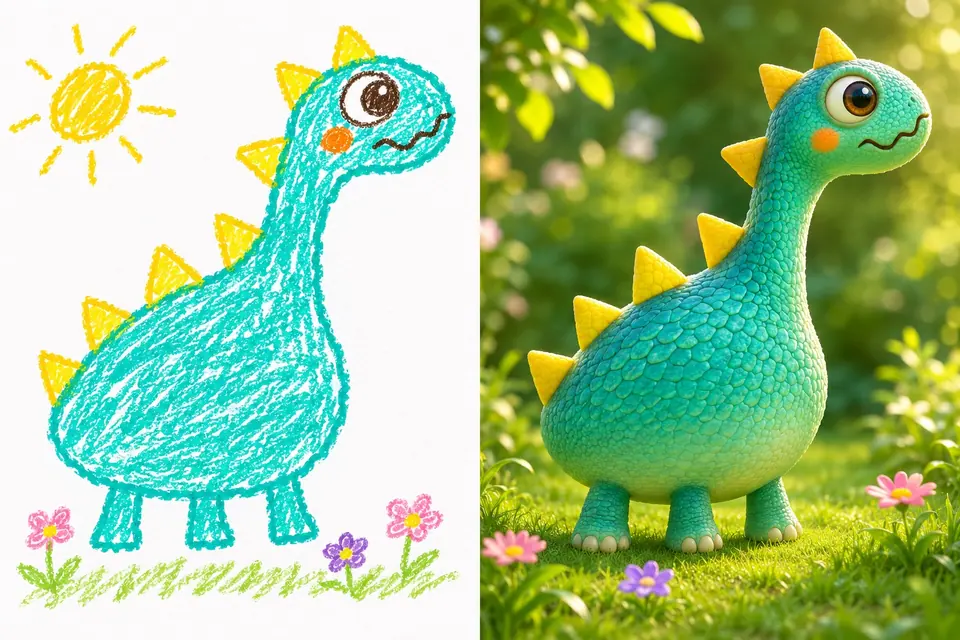
Create an image, make a short animation, and save something the whole family can enjoy.
Kids Drawing to Life starts with your child’s own artwork. Bring a pencil sketch, a crayon creature or a colorful scene, and choose what it could become.
CreateCreate an animation from your child’s drawing or a transformed image. Start at eight seconds or choose 1–15 seconds, pick one motion and check the credits before generating.
With Kids Drawing to Life, explore realistic, 3D cartoon, plush and hand-drawn styles while keeping the character’s original shapes and colors.
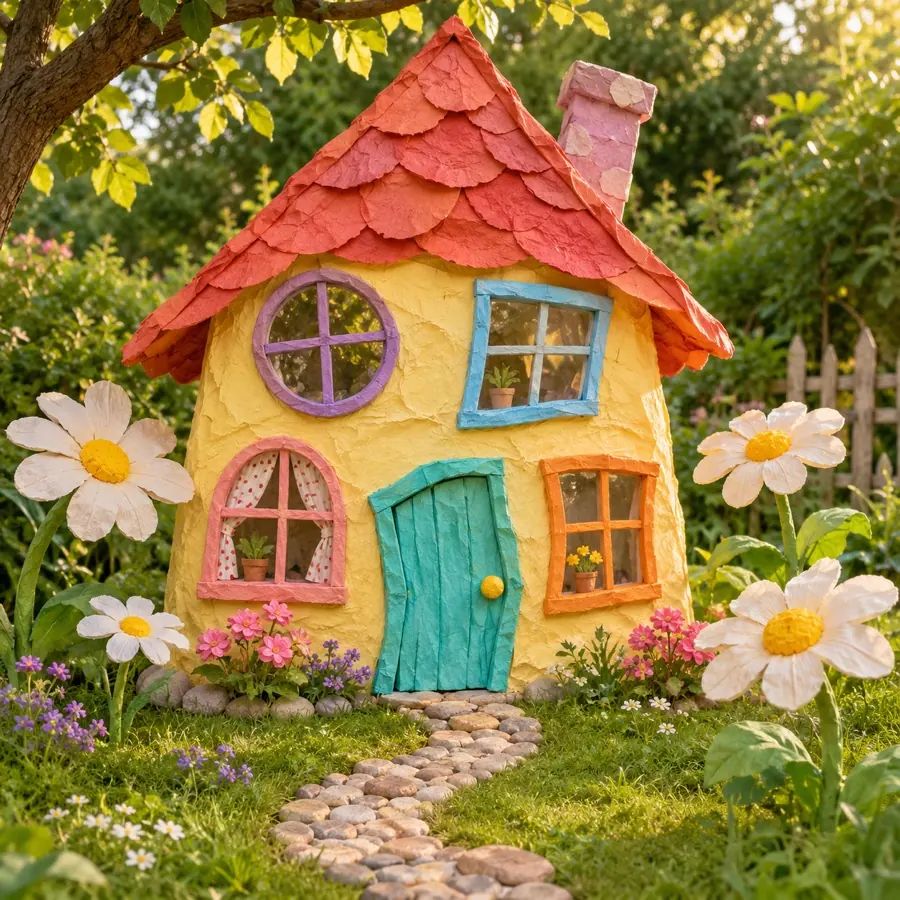
Natural textures and a little real-world wonder.
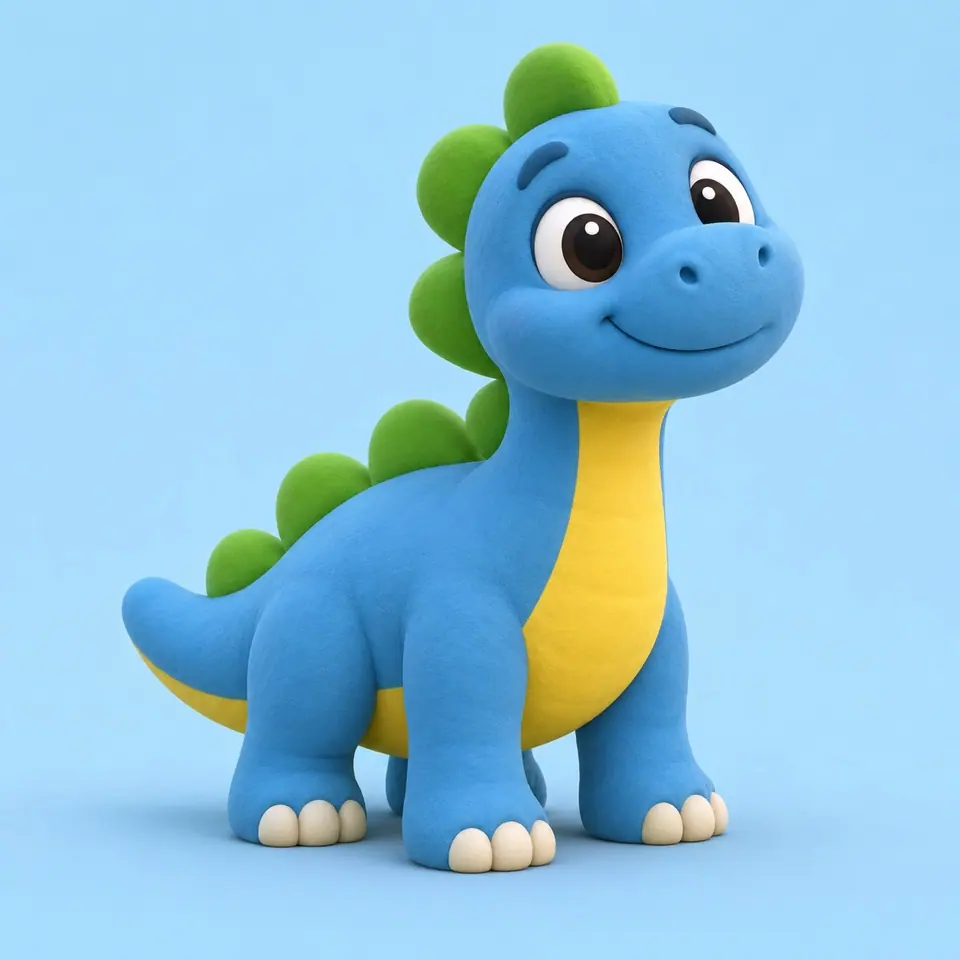
Soft shapes and animated-film character.
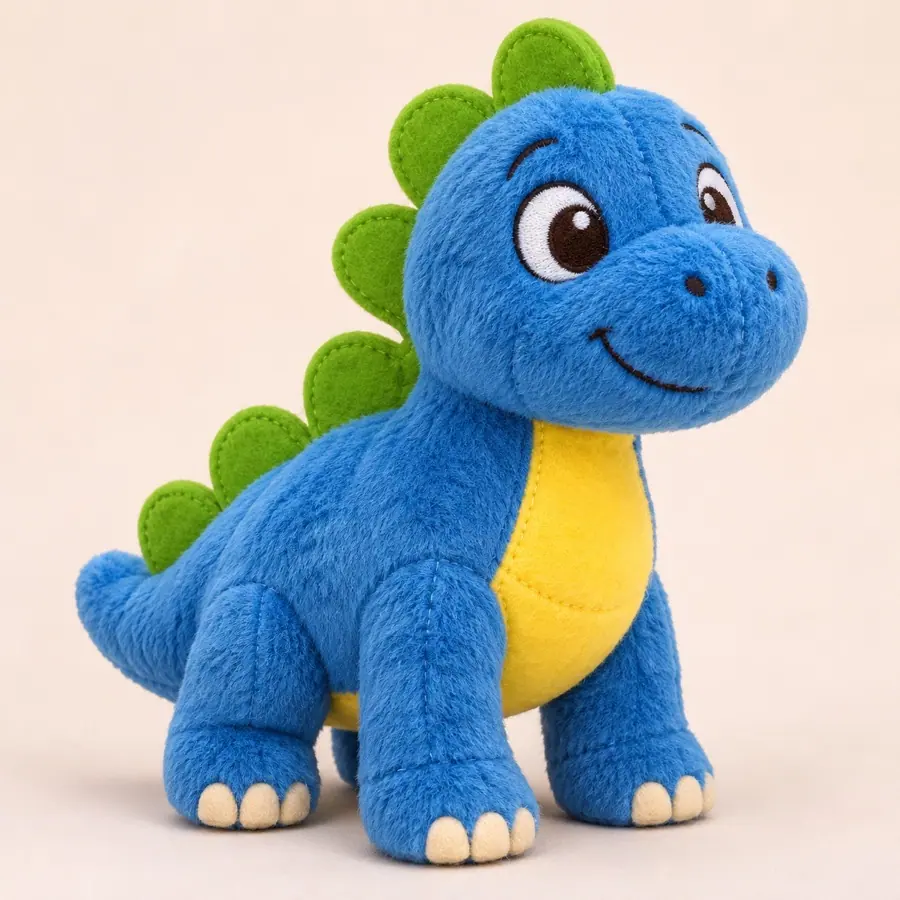
A soft, stitched version you wish you could hug.
Choose monthly, yearly or one-time credits for your family’s drawings. See the generation cost first; purchased credits never expire.
Cancel renewal anytime. Keep unused purchased credits. Prices in USD.
50 credits added each month; unused credits carry over.
Purchased credits never expire
100 credits added each month; unused credits carry over.
Purchased credits never expire
500 credits added each month; unused credits carry over.
Purchased credits never expire
One shared credit balance. Use it for images, animations, or a mix.
Image and video counts are alternative uses of the same balance. Video estimates use 8 seconds; choosing another length changes the charge.
Technical failures return generation credits automatically. A new variation is a new generation.
Purchased credits never expire. Subscriptions renew until canceled; canceling stops future renewals, not access to unused purchased credits.
Sign in to check your trial credits and saved creations.
Upload one drawing to create an image or a short video. Both use the same credit balance, and the studio shows the charge before you generate.
| Creation | Model and output | Credits used |
|---|---|---|
| One image | GPT Image 2 or Nano Banana 2 Lite · 1K | 5 per image |
| One video | Grok Imagine Video 1.5 · 480P · 8 seconds by default | 25 for 8 seconds |
Choose 1–15 seconds for video. Other lengths cost seconds × 25 ÷ 8 credits, rounded up. A 3D cartoon is an image style; hand-drawn results may change some original lines.
These sources describe the underlying model inputs and capabilities. The credit prices above are set by this service; illustrations and reference videos do not guarantee a particular result.
Product information by Kids Drawing to Life · Updated
Upload a photo or scan of the drawing, choose a realistic, cartoon, plush or hand-drawn style, and describe any details that matter. Review the credit cost before generating. Keep the original, compare the result and download the version you want to share.
We guide the AI to keep the main shapes, colors and unusual proportions. Results can vary, and some details may change. Your original always stays available.
Your drawings are private by default. A share link is only created when you choose to share, and you can turn it off. AI providers receive the selected image to process your request.
If a generation technically fails, the reserved credits are returned automatically. If it completes but you want a different look, another generation uses new credits.
Credits purchased under the current plans never expire. Monthly subscriptions add credits each month; yearly subscriptions issue the annual allocation upfront. Cancel renewal anytime and keep unused purchased credits. Each image or animation uses the credits shown before generation.

Kids Drawing to Life keeps your projects private by default. Save the original, download a before-and-after comparison, or create a family sharing link you can turn off at any time.
My creationsUpload a drawing to Kids Drawing to Life and turn today’s imagination into a keepsake your family can enjoy.
Upload a drawing